How to create a channel
Creating a channel is the first step to organizing your content and reaching the right audience. In this guide, you’ll learn how to create a channel easily.
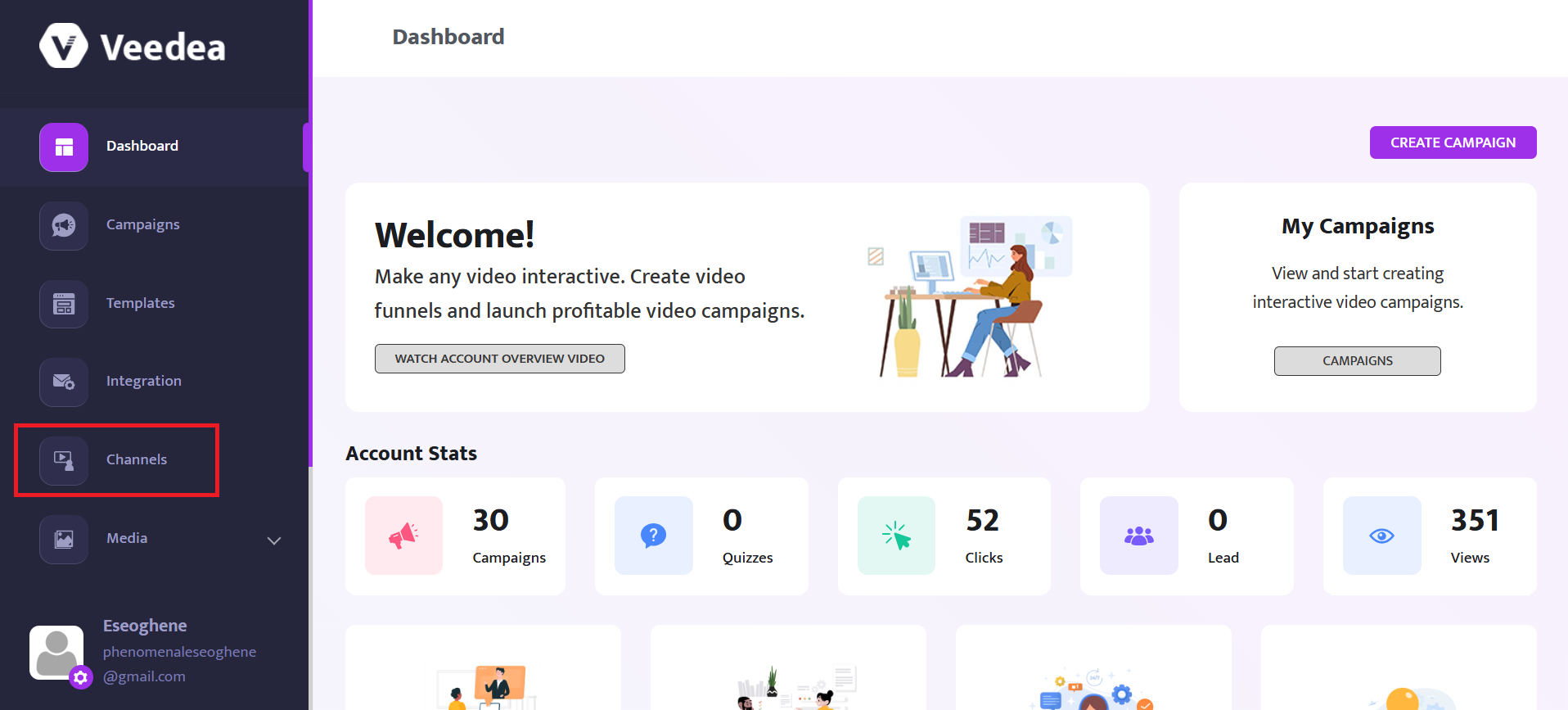
From the dashboard, select Channel from the left menu
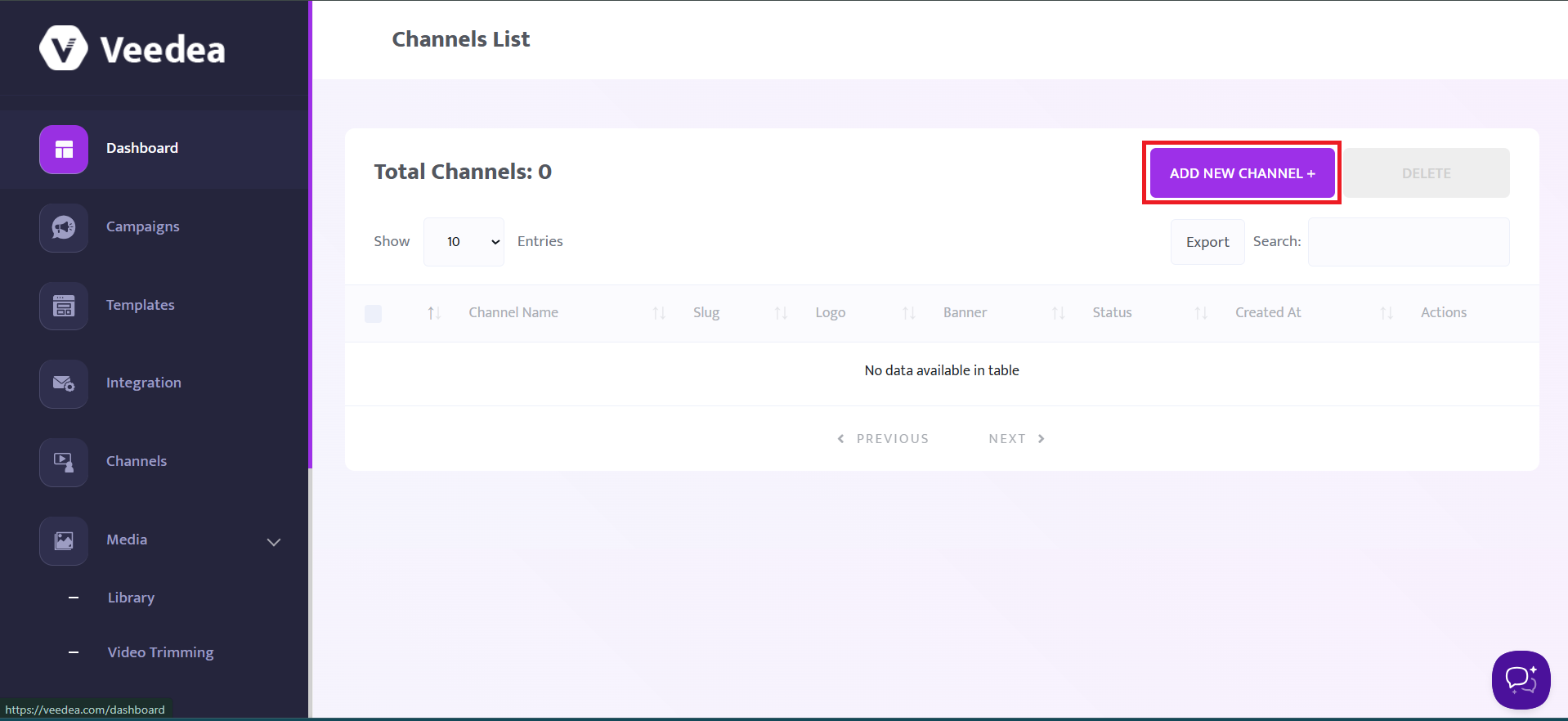
Click on the Add New Channel button
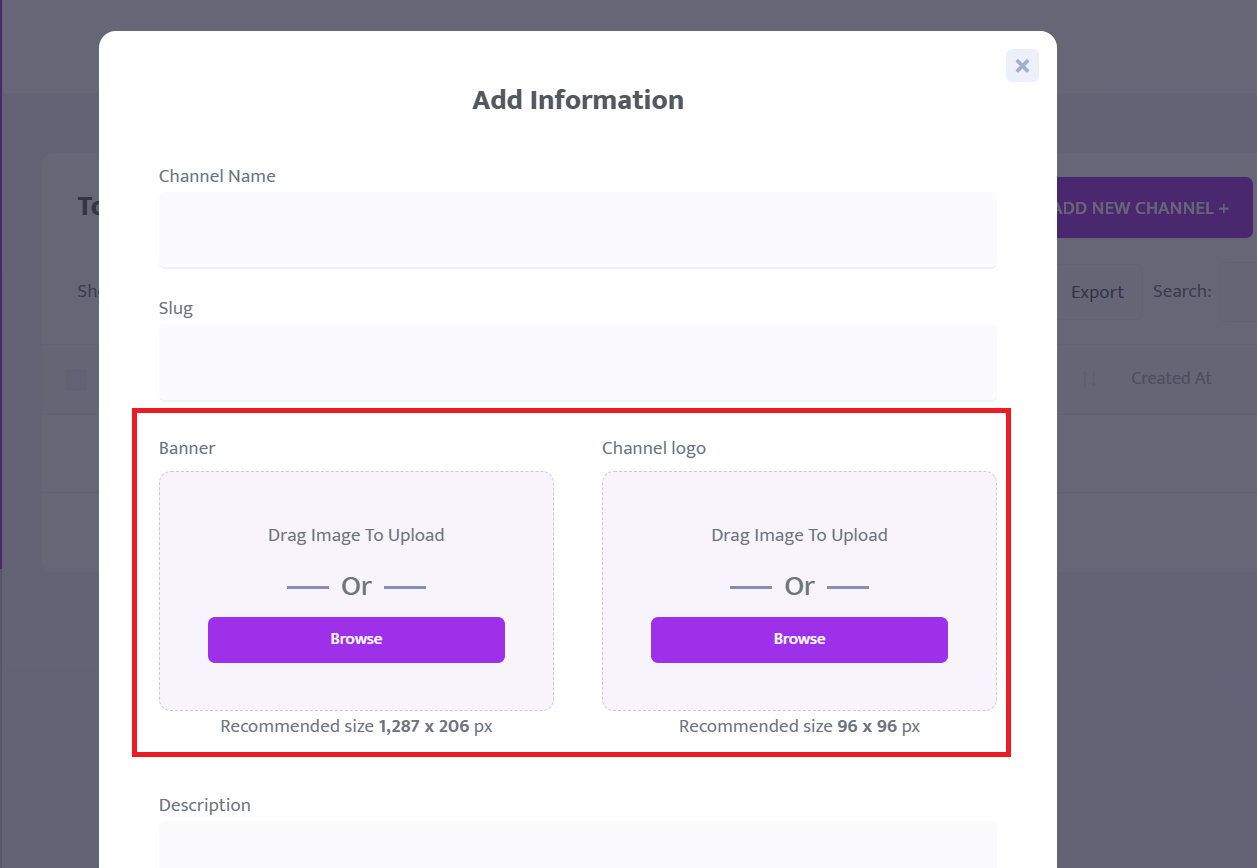
Enter a name for your channel and a slug
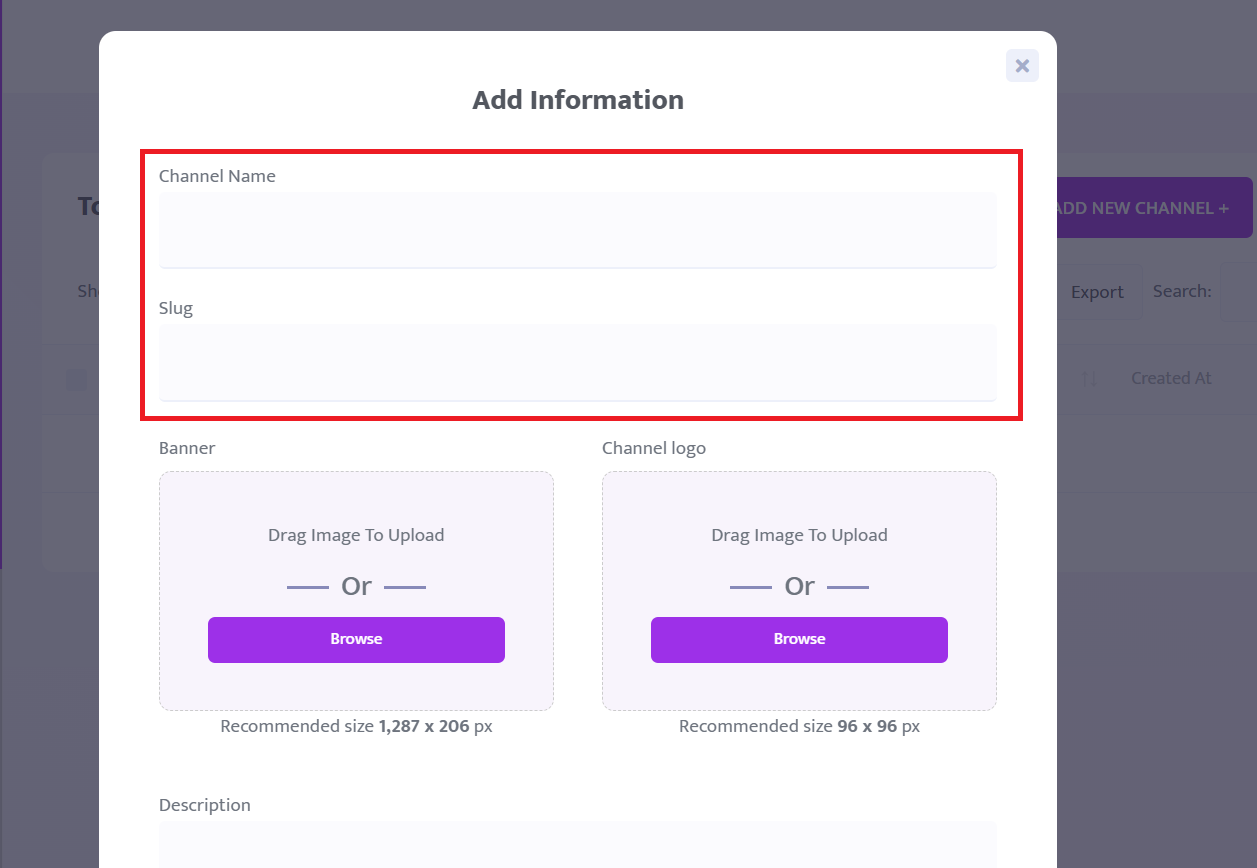
Upload an image for your channel and the logo for the channel
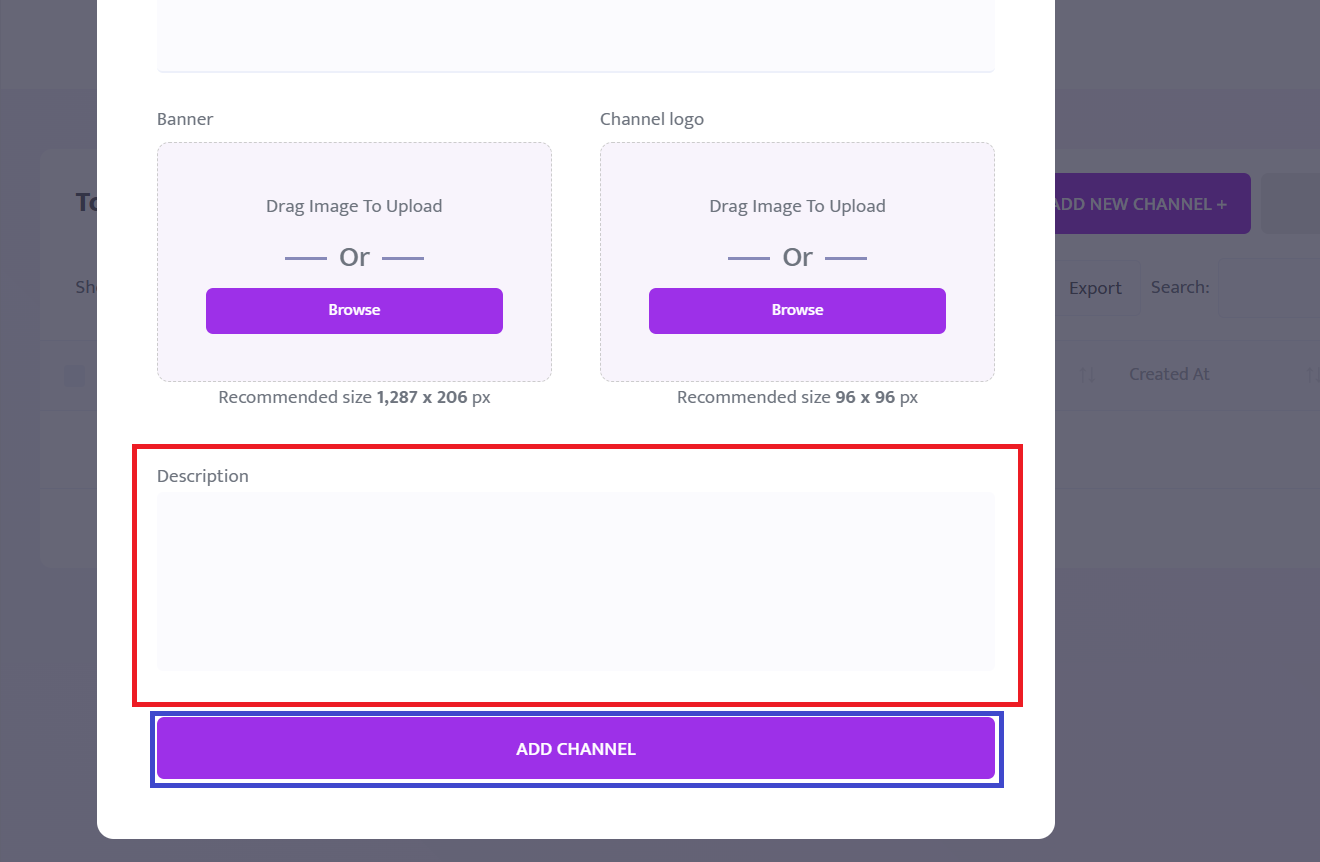
Then enter the description for the channel and click on the Add Channel button to add your new channel.