How to add video campaigns to a channel
Adding video campaigns to a channel helps you organize your content and deliver it exactly where it needs to go. Follow this guide to set it up in a few quick steps.
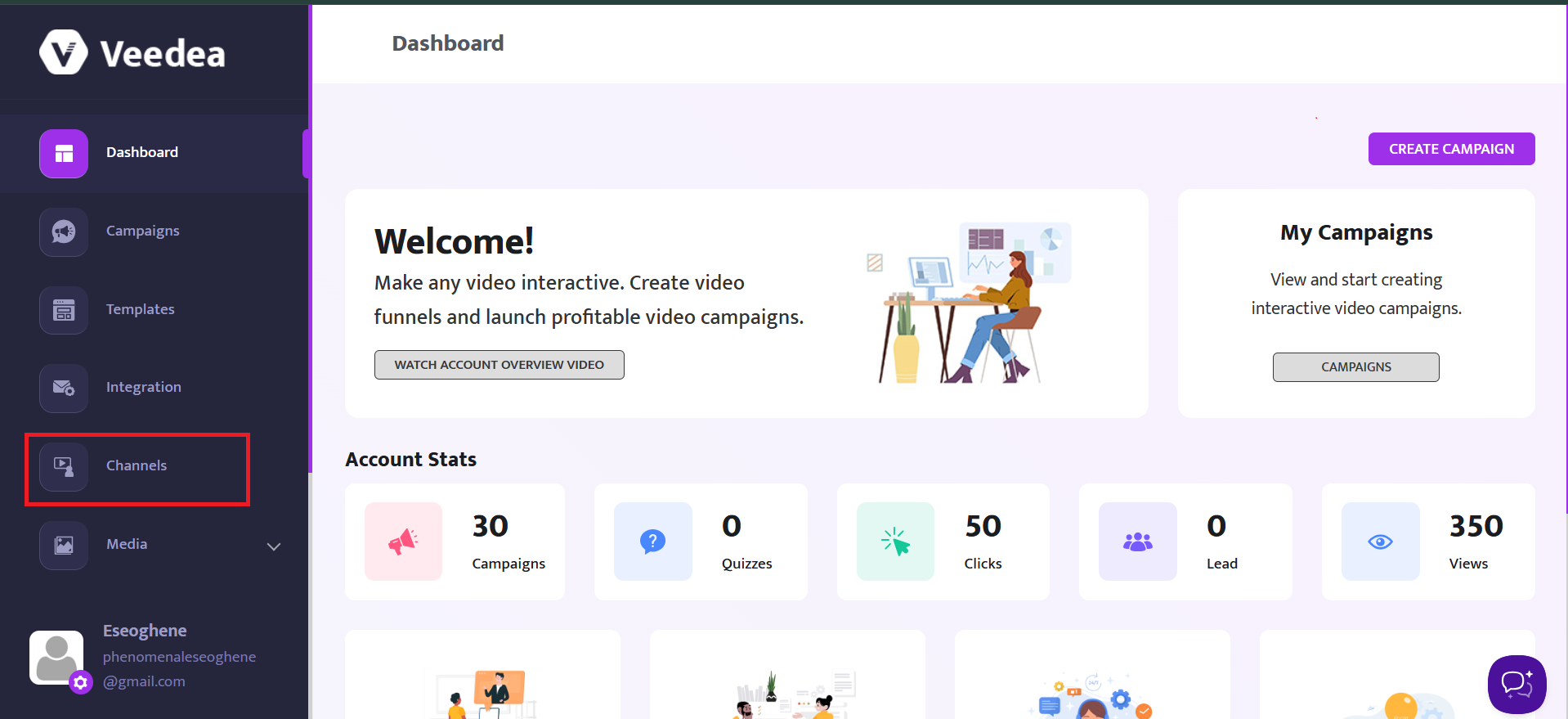
From the Dashboard, click on Channels
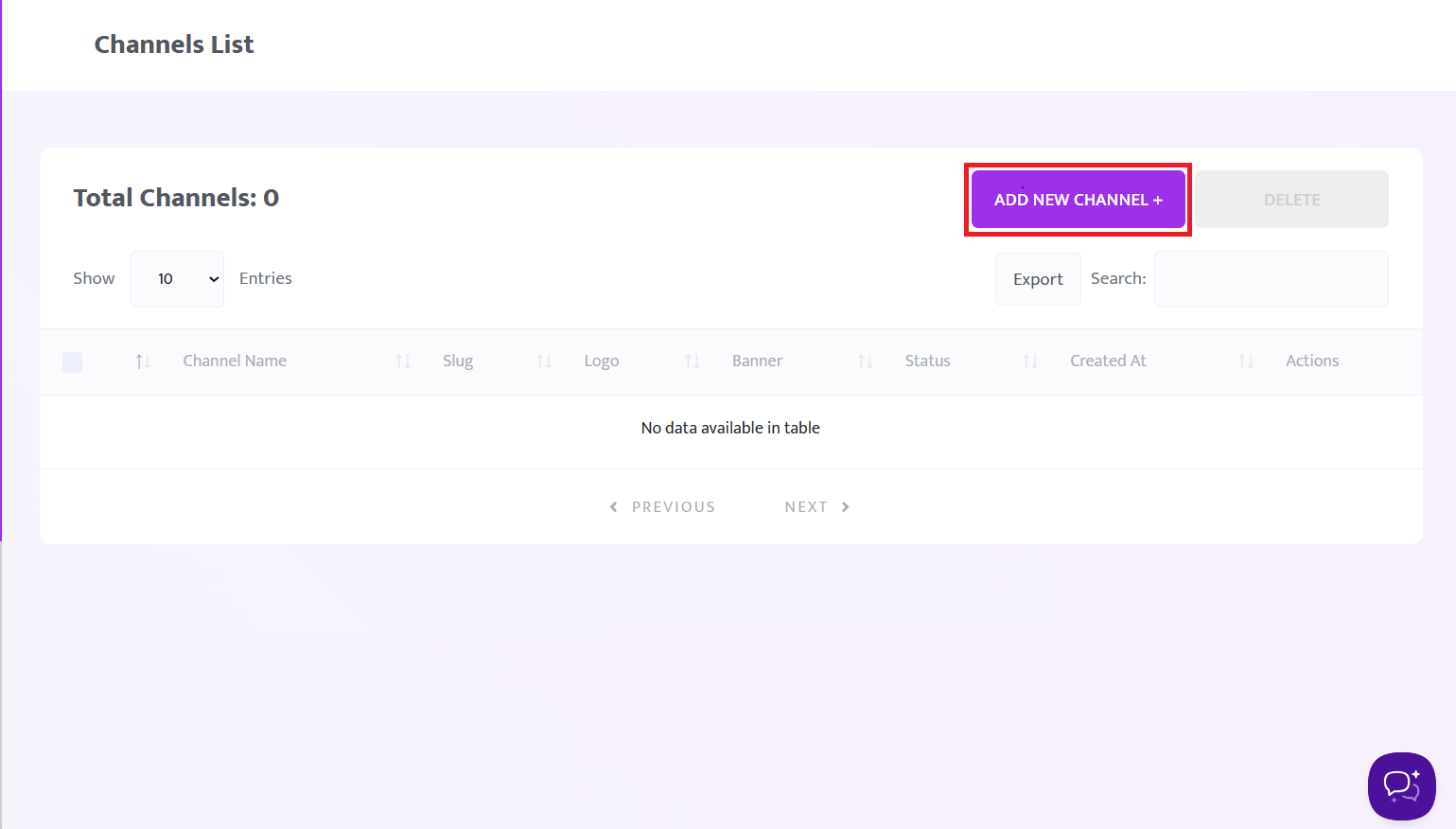
Click on the ADD NEW CHANNEL button to add a new channel
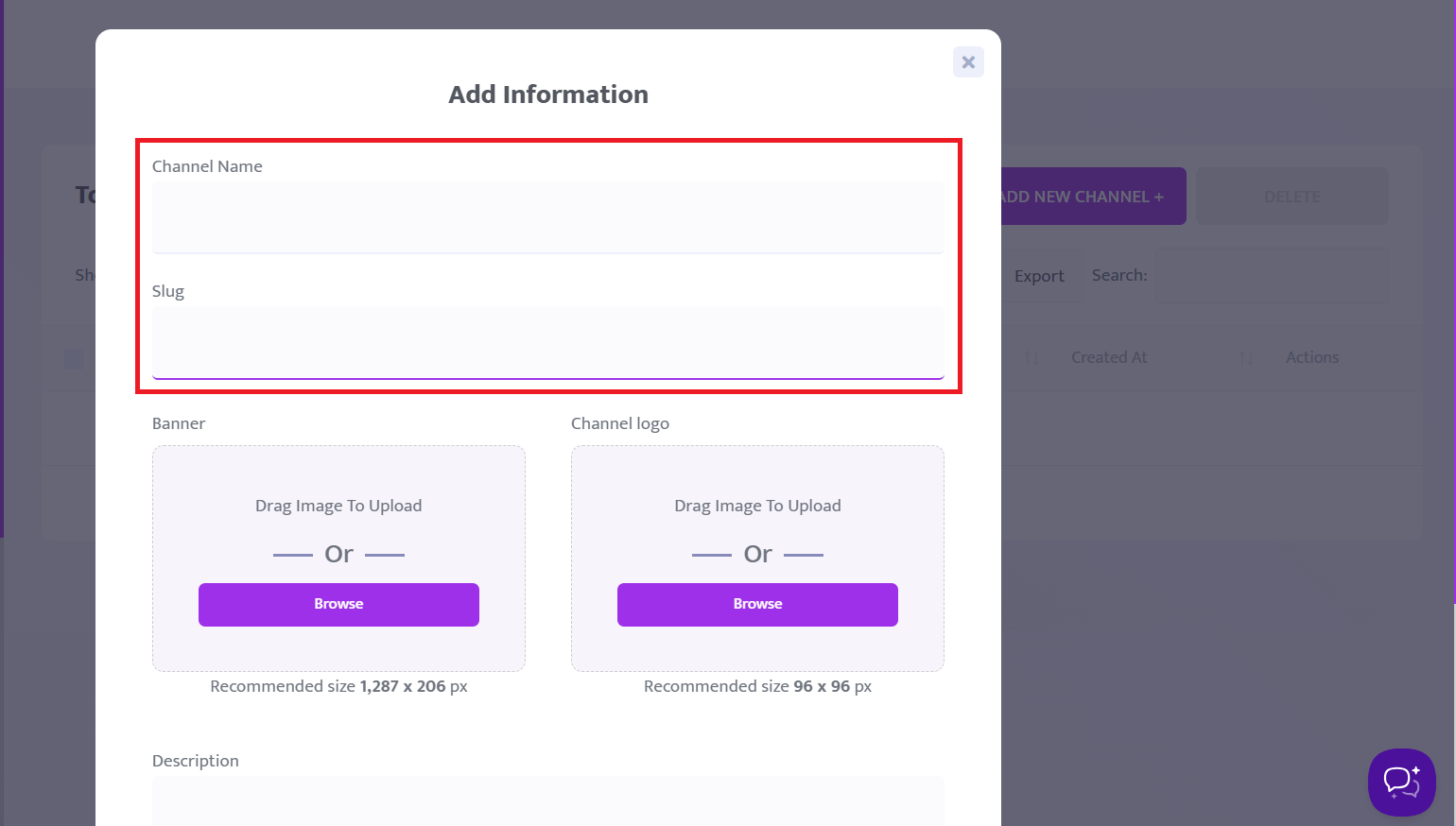
Enter your channel name and channel slug
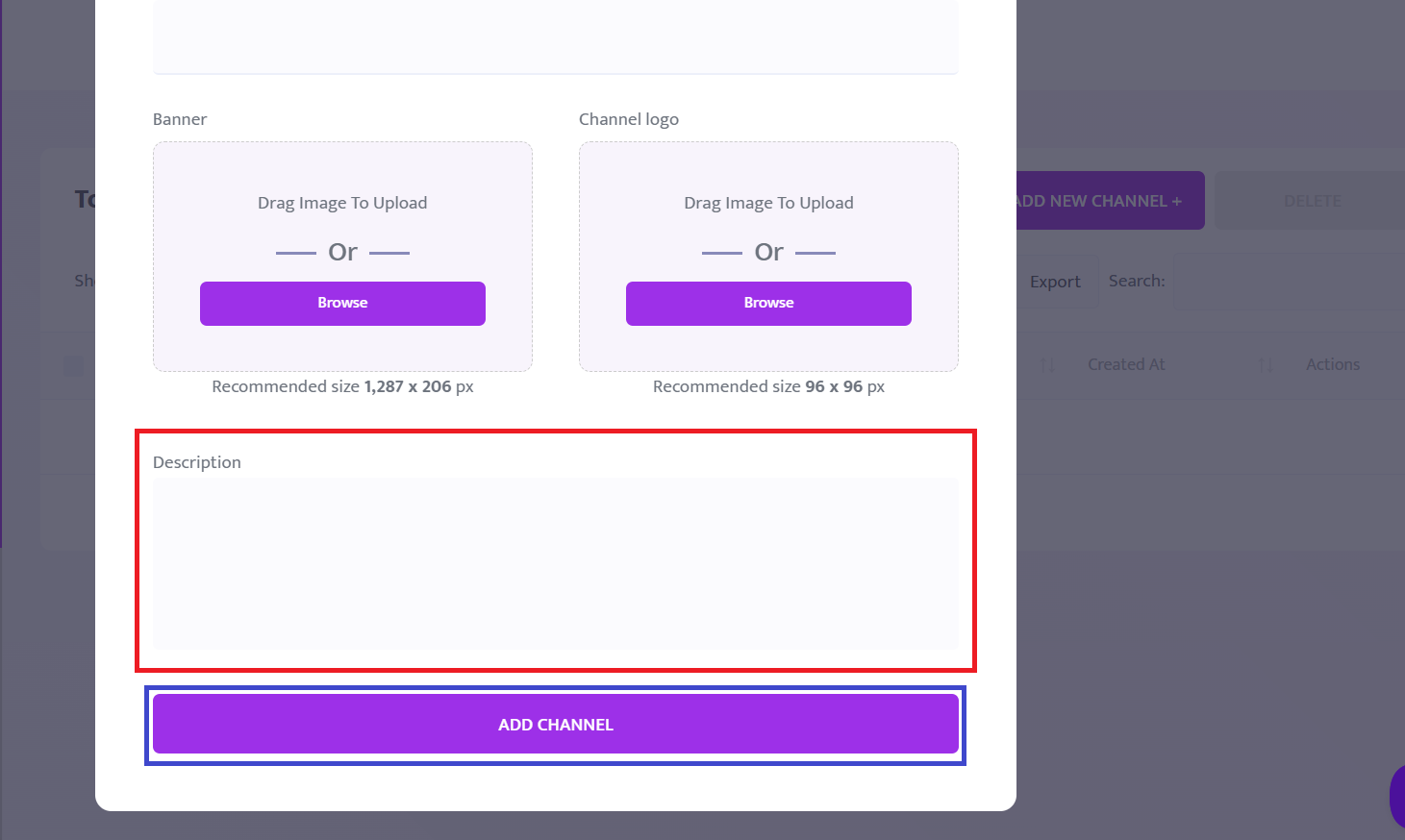
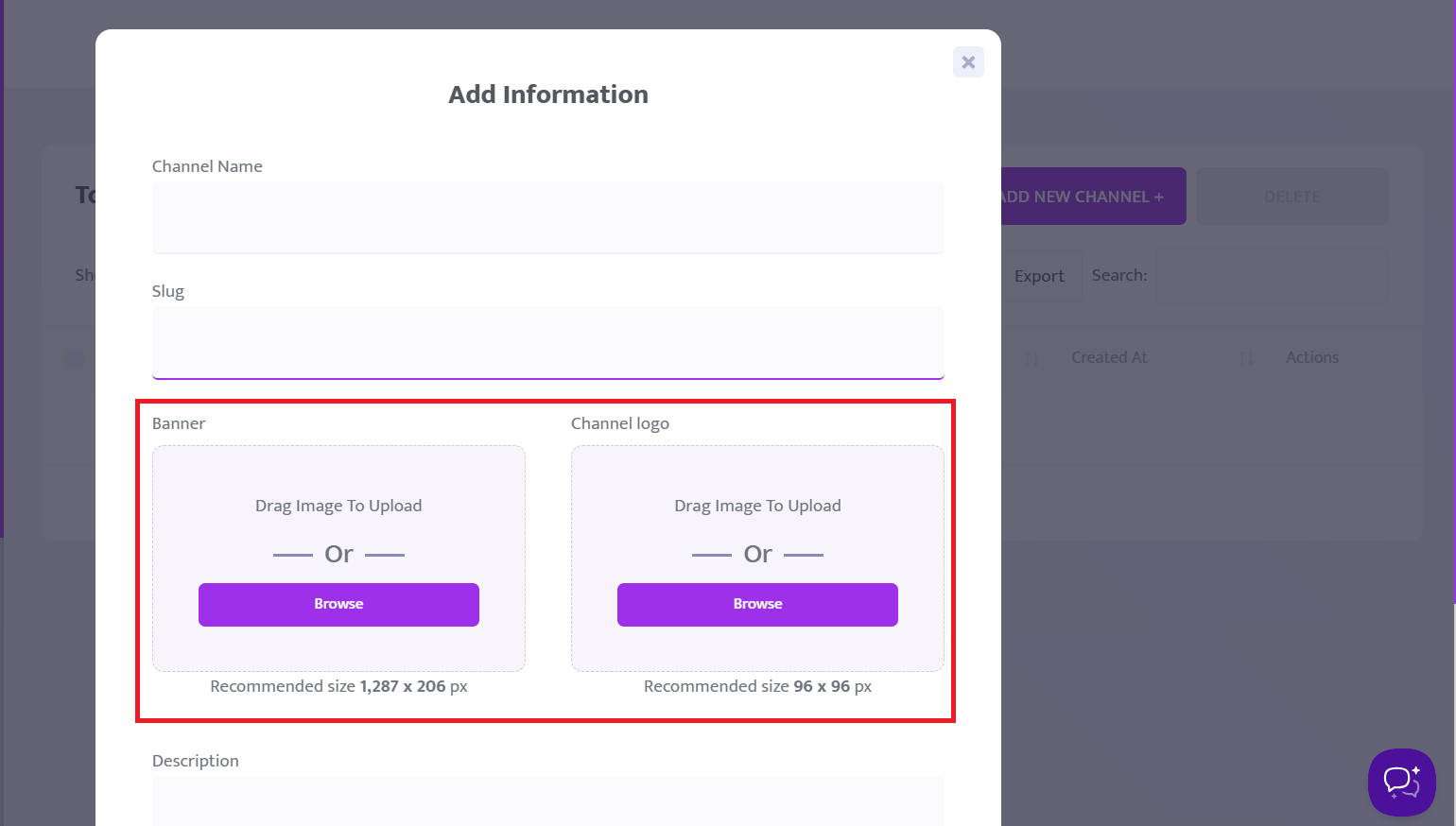
Then, select or upload an image from your device for your channel.
Take note of the recommended size for the Banner and Channel Logo.
Enter the description for your channel, then click the Add Channel button to add a channel.